Off The Wall for Commercial Gyms
Commercial Gyms
Put your Kilter Board to work between climbs
Your Kilter Board is already one of the most eye-catching features in the gym. Off The Wall makes it just as useful when no one is climbing.
Turn quiet time into a branded display, create atmosphere for a special event, and stop a forgotten climb from glowing for hours. Choose the content once, then use the mode that fits the moment.
See it in action
One playlist, two modes
Everyday downtime, or as an uninterrupted event display
Build a playlist from artwork, animations, and ambiance effects. Use the playlist for everyday downtime to attract attention to the wall or as an uninterrupted event display during parties and competitions.
Idle Mode
Grab attention, and save the LEDs
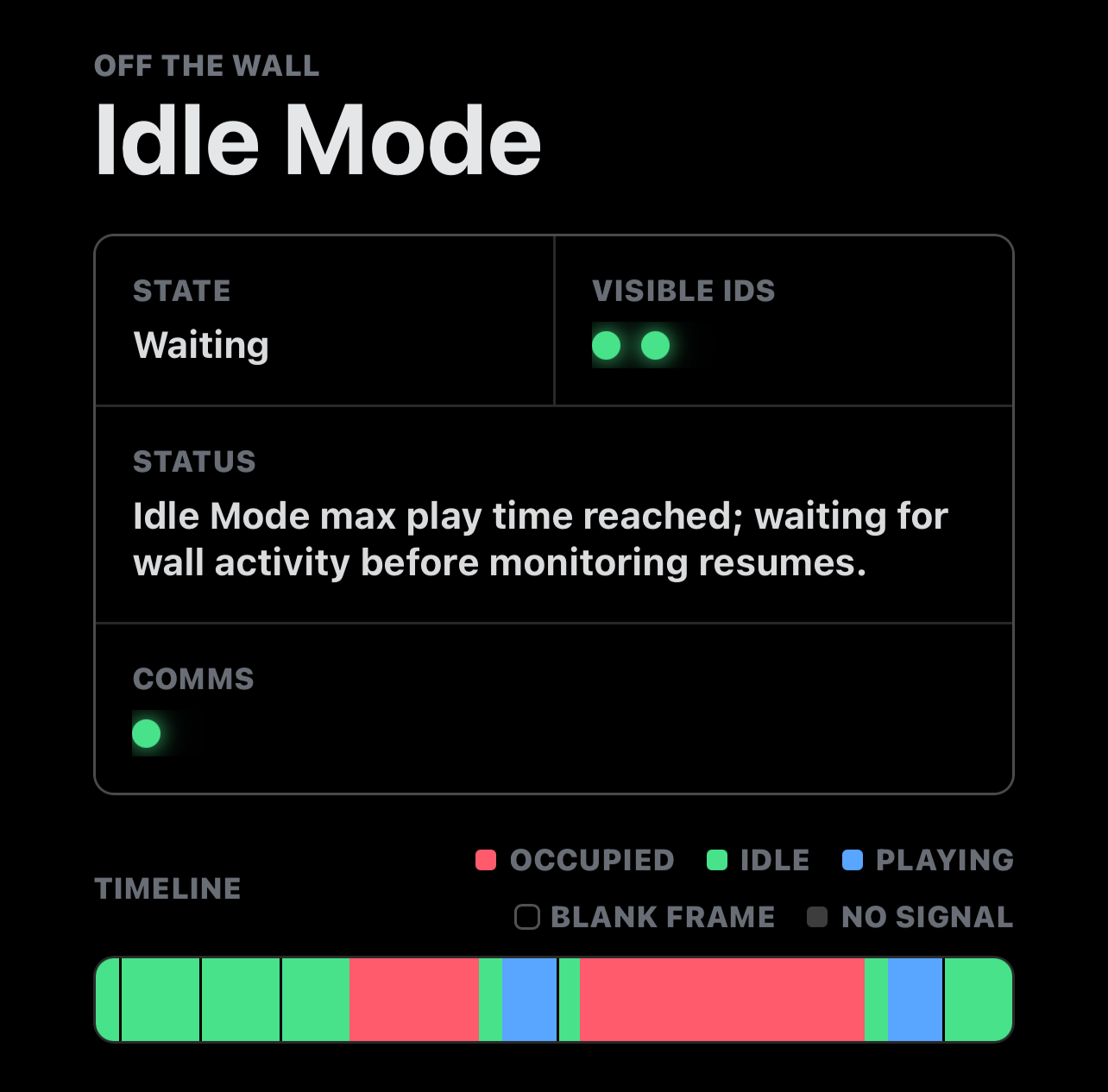
Idle Mode quietly watches for an unused board, then after your chosen delay, it brings the wall to life with your playlist, plays for as long as you choose, then clears every hold and returns to monitoring.
The moment a climber connects, Off The Wall automatically steps aside. You get an unattended display and potentially prolong the life of your LEDs at the same time.
Event Mode
Make the wall part of the event
When the board is deliberately out of climbing service during an event, Event Mode starts your playlist immediately and keeps control of the connection.
Your logo, sponsor artwork, animations, or ambient effects stay on the wall for the duration you set, actively preventing another connection from replacing the display halfway through the night.
Protect your investment
Clear the last climb automatically
Avoid leaving the final problem of the day lit for hours. Idle Mode ensures every every hold gets switched off to reduce unnecessary LED time.
Climber friendly
Automation without interruption
Idle Mode only takes over when the wall is free and yields automatically when someone wants to climb. No front-desk intervention required.
Wall-scale display
Branding that cannot be missed
Turn hundreds of board LEDs into a venue logo, sponsor moment, or moving backdrop that can be seen from across the gym.
Simple to run
Set it up in three steps
- Build your playlist. Add a logo, saved artwork, animation, or ambiance effect.
- Choose the mode. Use Idle Mode for normal climbing or Event Mode when the wall is only a display.
- Set it running. Works with your existing wall without any modifications.
Pricing
Low-cost subscription
Commercial Gym modes require a low-cost subscription, which can be cancelled at any time. Used correctly, Idle Mode may prolong the life of your wall's LEDs, making it an inexpensive investment in the future of your Kilter Board.
For reliable day-to-day monitoring, keep a dedicated device plugged in near the board. Currently only iOS devices support Commercial Gym modes through the iOS app.